Franchise policies, contacts and announcements for every store
Mezbano Store papers puts a franchise brand’s policies, contacts and announcements in every store, where staff read them in the app. The Mezbano team enters them for the brand, and policies can also come from a starter set. Policies open to read or print, and the contact list prints for the wall with emergencies first.
What you can do
-
One set of house rules
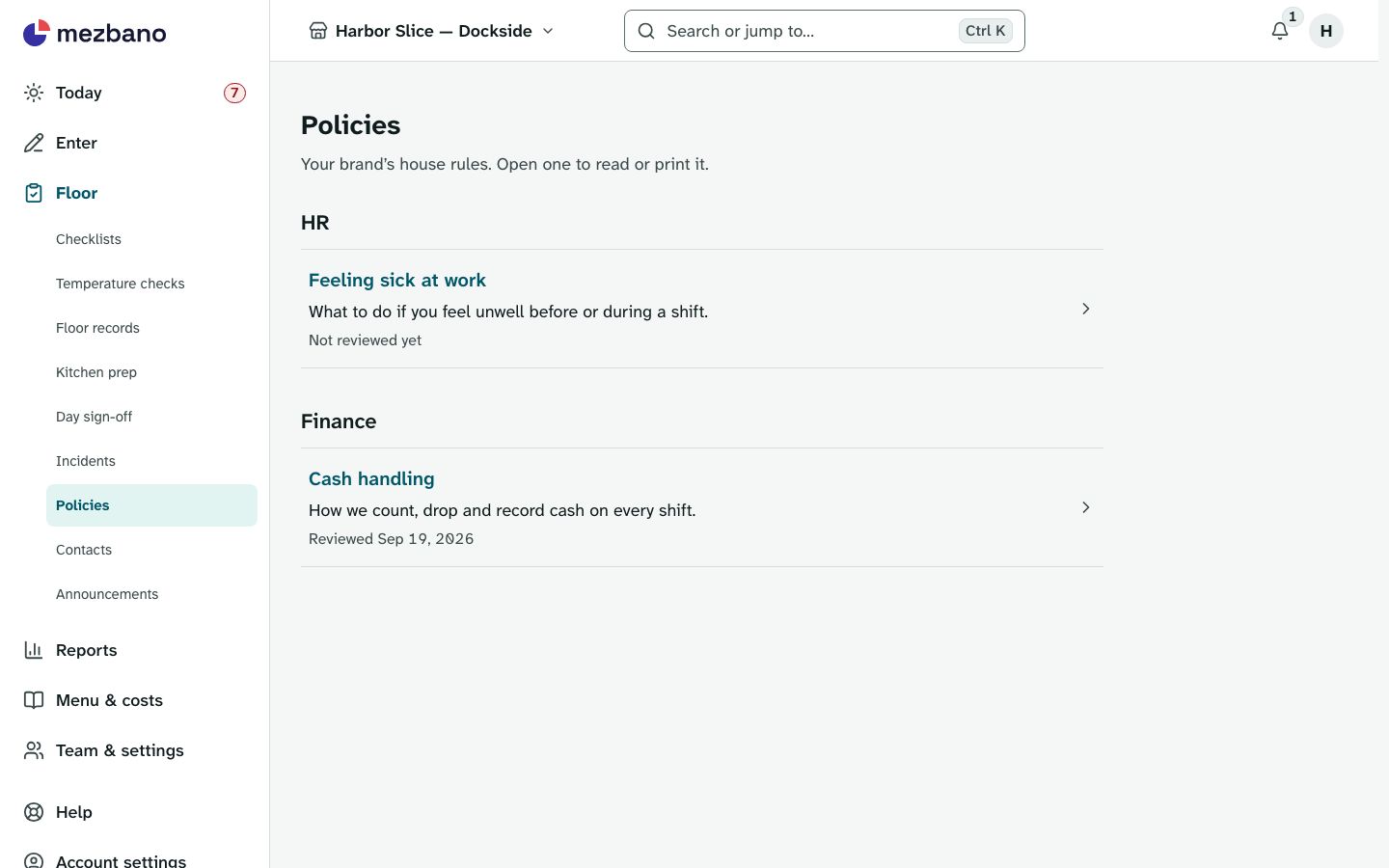
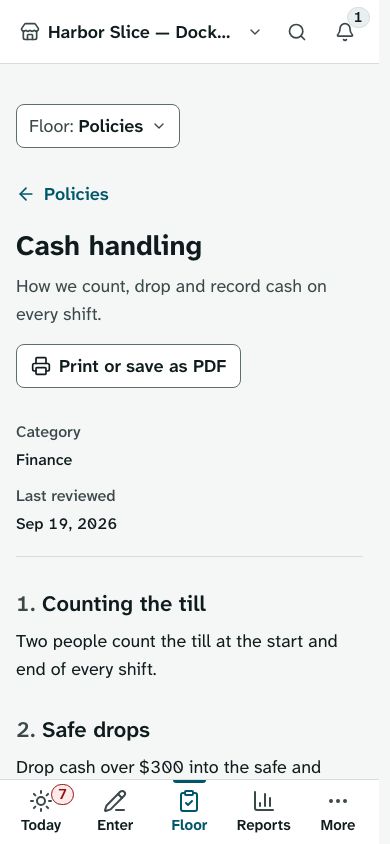
The brand’s policies, entered by the Mezbano team or added from the starter set, are grouped by category, and each one opens as a page to read or print.
-
Numbers on the wall
Suppliers, repairs and emergencies, to call from the page or print for the wall, emergency numbers first.
-
News from the brand
Announcements the Mezbano team posts for the brand show in each of its stores, pinned ones first, with warnings and urgent notices marked.
-
Start with a starter set
A starter set of policies can be added from the setup wizard, or from the Policies page while the brand has none.
What’s included
The parts of the module, named as the app names them.
Store papers
Policies, contacts and announcements from the brand.
Everyone on the store’s team reads them, from members to owners; the papers belong to the brand, not the store.
Works on its own, or with
Store papers works alone and needs no other module. Its policies, contacts and announcements belong to the brand, so every store of the brand reads the same ones.
Who it is for
- Franchise brands
Every store reads the same policies, contacts and announcements, and no other brand can see them.
- Multi-location groups
One set of policies, contacts and announcements for all your stores.
- Franchisees
The brand’s rules and news sit in the app your team already uses each shift, and print when you need paper.
In the app
Questions owners ask
How do franchise stores get the brand’s policies?
Policies belong to the brand, so every store of the brand reads the same ones in the app, grouped by category and ready to print.
Can I print the contact list for the kitchen wall?
Yes. The contacts page prints two to a row, with emergency numbers first.
Who can read store papers?
Everyone on the store’s team, from members to owners. Only the brand owner can add the starter set of policies from a store.
Can a store see another brand’s announcements?
No. A brand’s papers are read only by its own stores.
What it does not do
- Writing papers yourself, in the brand console or a store: contacts and announcements are entered by the Mezbano team, and policies by the team or from the starter policy set.
- Papers a single store writes for itself.
- Read receipts or staff sign-off on a policy.
See it with your own restaurant
Book a demo and we will go through how your stores run today and where Mezbano fits.