Restaurant sales, expenses, labour and P&L in one place
Mezbano Finance is where a restaurant records each day’s sales by channel, its expenses with receipt photos, and its labour hours and payroll. From those it builds the month’s profit and loss, with prime cost next to the same days last month, and closes each month so the numbers stay locked.
What you can do
-
Enter the day from the till report
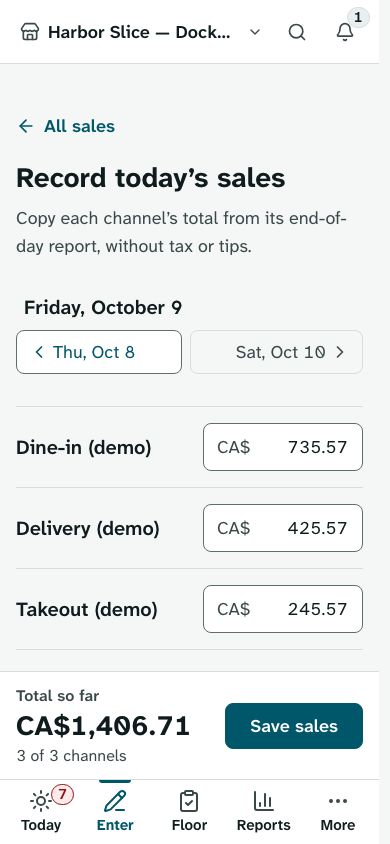
Copy each sales channel’s total from its end-of-day report. Give each channel its delivery-app fee rate once, and Mezbano adds the day’s fees to expenses when you save the sales.
-
Watch prime cost as the month goes
The profit and loss shows sales, prime cost (food and labour) and profit for the month so far, next to the same days last month, with a chart of daily sales. Prime cost and labour are judged against your brand’s own targets.
-
Close the month
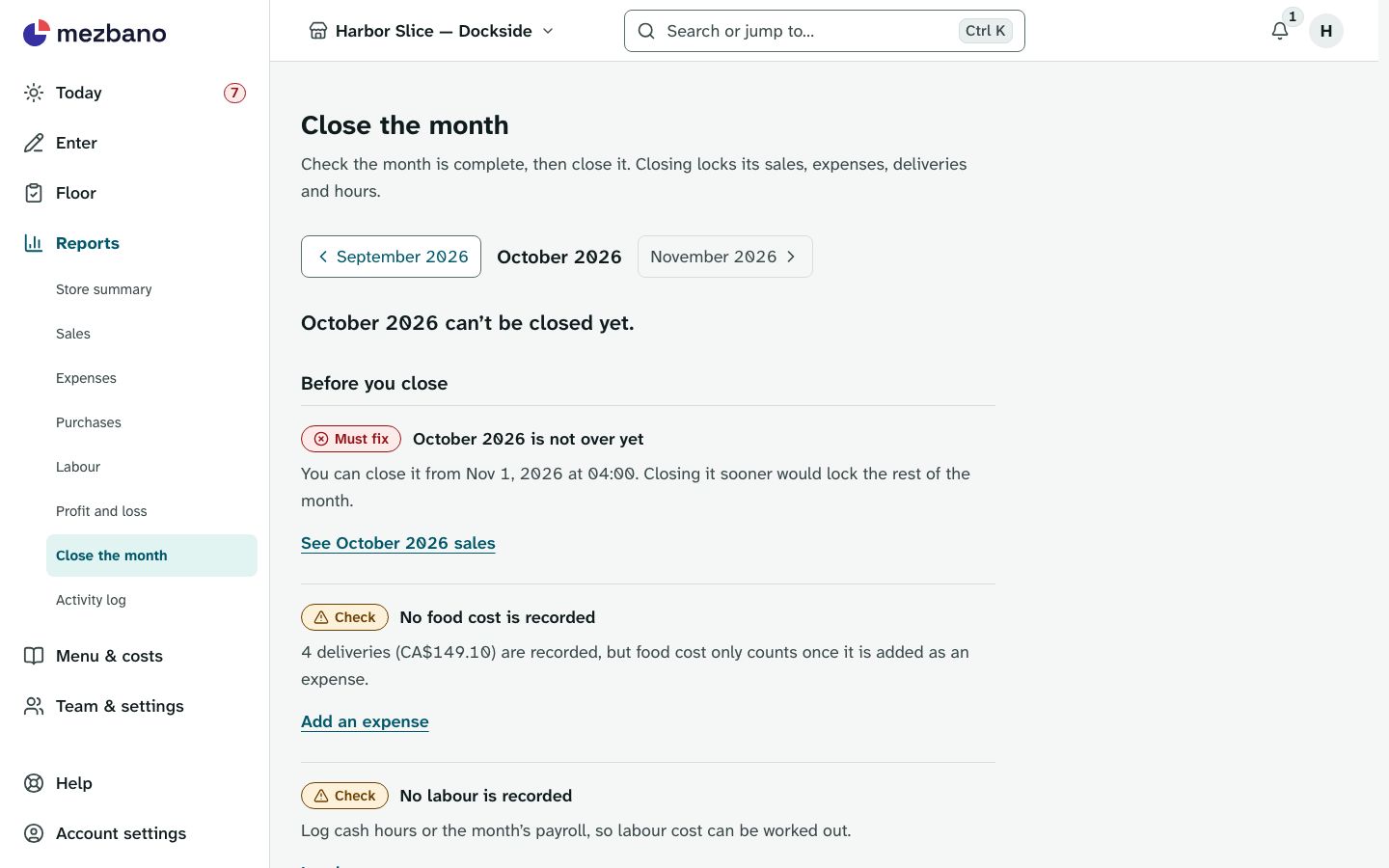
Check the month is complete, then close it. Its sales, expenses, deliveries and hours are locked in the database until the store owner reopens it.
-
Hand your accountant a file
Download sales, expenses, labour and the profit and loss as CSV files.
What’s included
The parts of the module, named as the app names them.
Daily sales
Record and look back at each day’s sales.
Each channel’s sales are entered before tax and tips, and a day the store sold nothing is saved with no amounts so it still counts as recorded.
Expenses
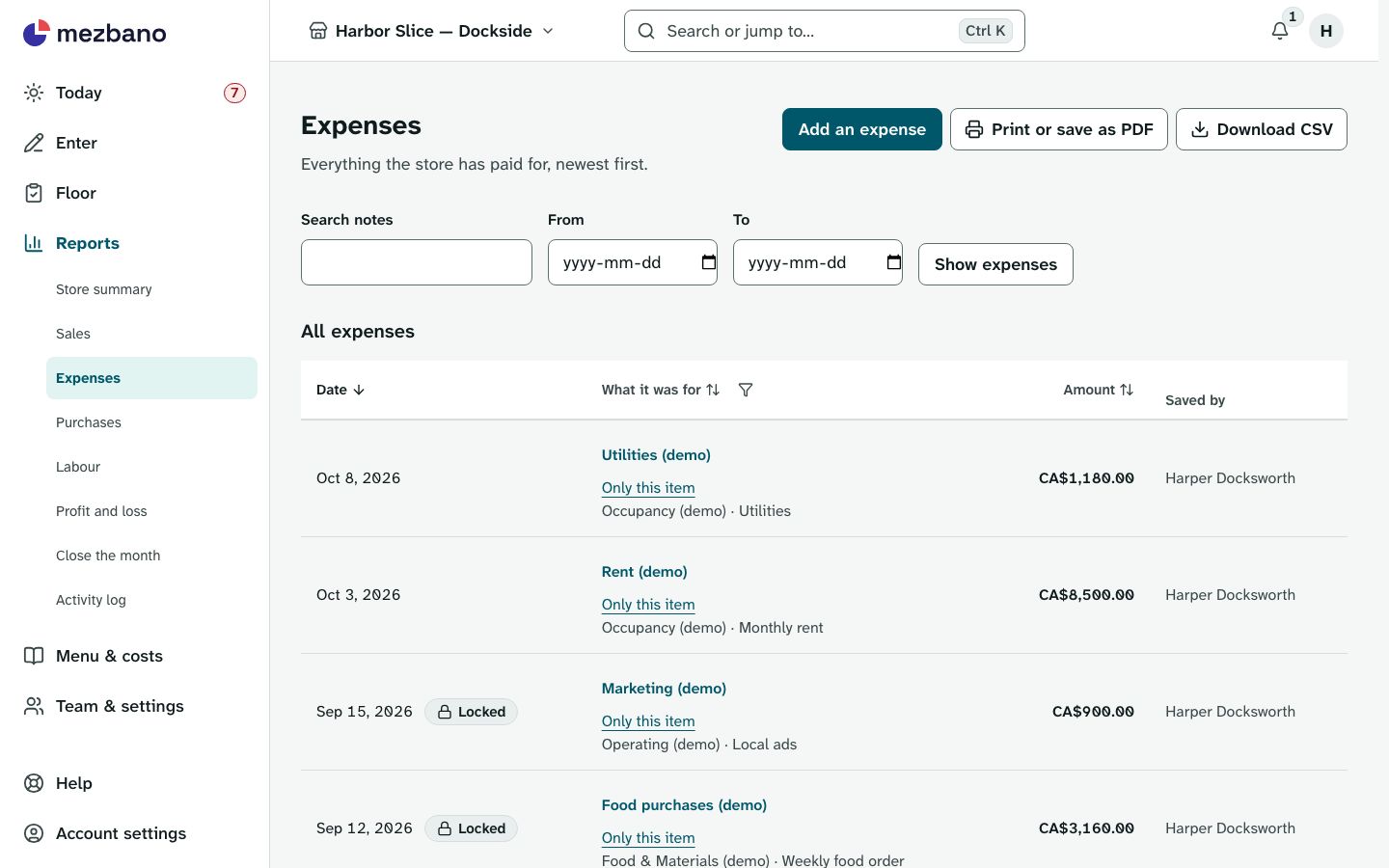
Record what the store pays for.
Labour, delivery-app fees and supplier deliveries appear here on their own, read only, beside the bills and receipts you enter.
Labour
Log hours and see what the team costs.
Enter each day’s cash labour in a monthly grid and one payroll total for the month, including payroll taxes and benefits; the profit and loss spreads payroll across the month’s days.
Reports
Profit and loss, and closing each month.
Close the month checks that every day has its sales and warns about days not signed off before it locks the month.
Works on its own, or with
Expenses works alone, and the other parts add to it automatically: saving the day’s sales adds its delivery-app fees, and saving labour adds cash labour and payroll. With Costing, a recorded supplier delivery can also count as a food-cost expense. Close the month also lists the month’s deliveries when Costing records them, and warns about days not signed off when Floor’s day sign-off is on.
Who it is for
- Independent restaurants
One store’s sales, costs and monthly profit and loss, with CSV files for your accountant.
- Franchise brands
Every store records against the brand’s own sales channels and expense items, and the brand summary adds up every store.
- Multi-location groups
Each store keeps its own books, and the brand pages show sales, labour and prime cost store by store.
- Franchisees
Your store’s own numbers: team members enter only the current day’s work, and only the store owner reopens a closed month.
In the app
Questions owners ask
How do I track prime cost for my restaurant?
Record sales, labour and food costs as they happen. The profit and loss adds food and labour into prime cost for the month so far and judges it against your brand’s targets.
Does Mezbano connect to my POS?
No. Each day you copy each sales channel’s total from its end-of-day report, and the total adds up as you type.
How are delivery app fees handled?
Give each sales channel its fee rate once. When you save the day’s sales, Mezbano works out the fees and adds them to expenses. They count as an other expense, never as prime cost.
What happens when I close the month?
Its sales, expenses, deliveries and hours are locked in the database, and any change is refused until the store owner reopens the month.
Can my staff enter sales and expenses?
Yes. Team members add and change their own entries for the current day. Owners and admins can change any day while its month is open, and only owners delete.
What it does not do
- Point-of-sale integrations or automatic sales import: daily sales are entered from each channel’s end-of-day report.
- Accounting-software exports: CSV files only.
- Paying staff: labour is recorded as a cost, not paid through Mezbano.
- Staff scheduling or time clocks.
See it with your own restaurant
Book a demo and we will go through how your stores run today and where Mezbano fits.