Single sign-on and domain controls for restaurant teams
Mezbano Enterprise is an add-on that lets a restaurant’s team sign in with the company’s own login, through OIDC or SAML single sign-on. The Mezbano team sets it up for a store and checks the email domain. It has not yet run with a customer’s live identity provider, so the team tests it with yours first.
What you can do
-
One login for the team
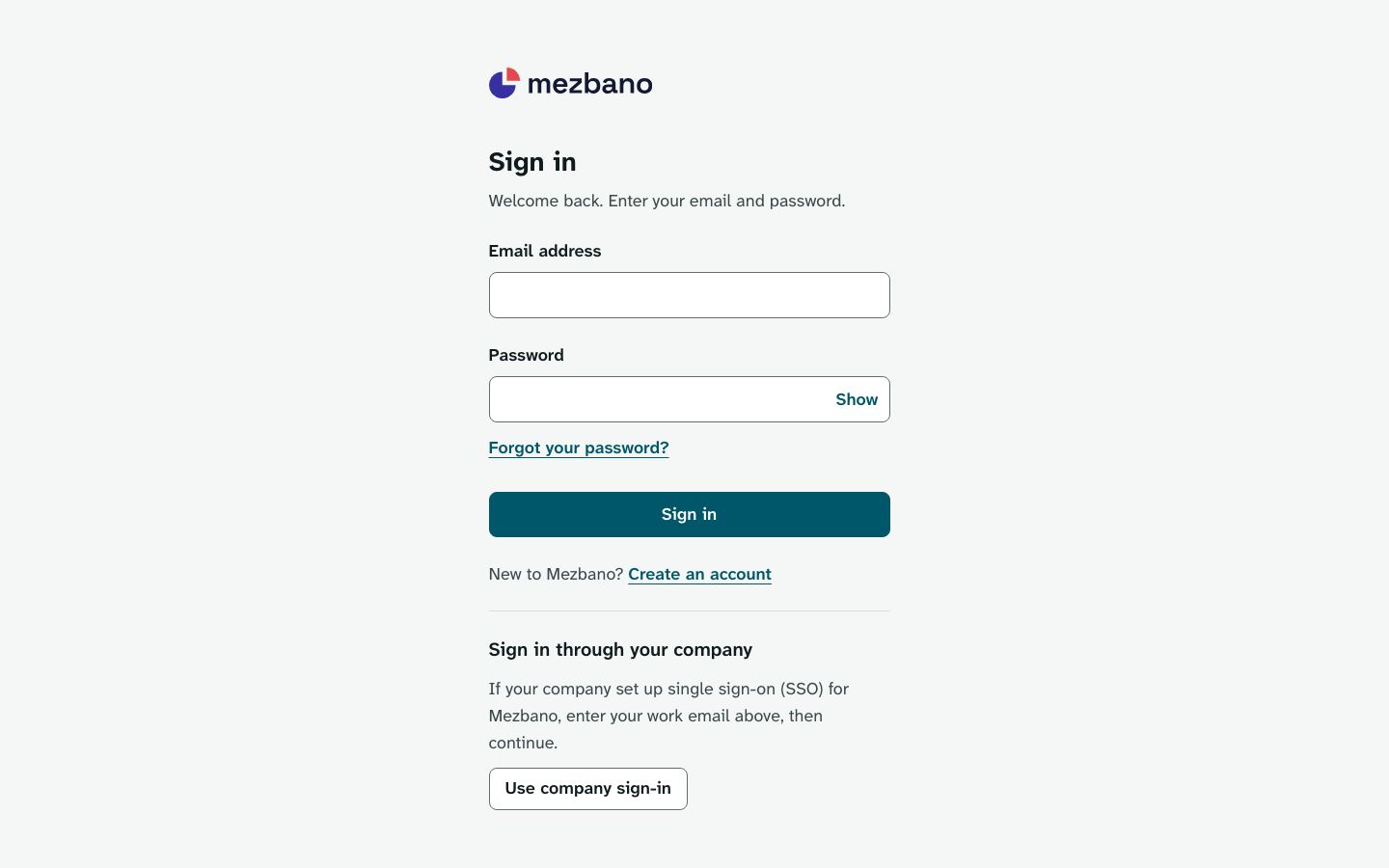
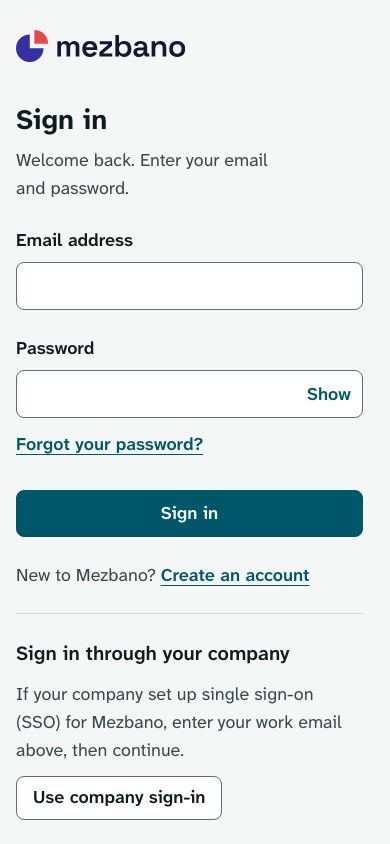
People choose Use company sign-in on the Mezbano sign-in page and enter their work email.
-
Prove the domain
Each sign-in provider needs its domain checked with a TXT record before anyone can rely on it.
-
Make company sign-in the only way in
Once a domain is checked, the Mezbano team can require company sign-in for the store. A password sign-in, or one through another store’s provider, is then refused on the store’s pages, the home page and the brand console.
What’s included
The parts of the module, named as the app names them.
Enterprise sign-in
Single sign-on (SSO) and domain checks for the store’s team.
There is nothing to switch in the store: the Mezbano team registers the provider and sets the rule.
Works on its own, or with
Enterprise sign-in works with whichever modules the store has, because it decides who can sign in to the store rather than what any one page does. It has no store pages of its own.
Who it is for
- Franchise brands
Teams sign in with your company login, and the brand console opens only when every store of the brand admits the person.
- Multi-location groups
Company sign-in can be required store by store, since each store’s rule is set on its own.
In the app
Questions owners ask
Does Mezbano support single sign-on?
Yes, as the Enterprise add-on. A store’s team can sign in with an OIDC or SAML company login once the email domain is checked with a DNS record. The Mezbano team sets it up with you. It has not yet run with a customer’s live identity provider, so we test it with yours before your team relies on it.
Can we make SSO required?
Yes. Once a domain is checked, the Mezbano team can require company sign-in for your store, and a password sign-in is then refused on that store’s pages.
Who sets up SSO?
The Mezbano team. It registers your login service on the store’s Enterprise sign-in page and gives you the DNS record to add to your domain.
Is SSO part of a plan?
No. Enterprise sign-in is arranged with the Mezbano team for each store rather than included in a plan.
What it does not do
- Self-serve setup: the Mezbano team registers sign-in providers and checks domains.
- Automatic user provisioning (SCIM): people still join a store by invitation.
- Sign-in started from the identity provider (IdP-initiated SAML).
See it with your own restaurant
Book a demo and we will go through how your stores run today and where Mezbano fits.