Recipe costing and menu pricing for restaurants
Mezbano Costing works out what every dish costs to make from its recipe and the prices your store pays, from deliveries, your own prices or the brand’s. Menu costs then shows each dish’s price, recipe food cost and what it earns, with dishes above your target marked and missing prices flagged, never guessed.
What you can do
-
Cost a recipe from real prices
Each ingredient line takes the store’s own price in effect, else its latest delivery, else the brand’s standard price. If an ingredient has no usable price, the dish shows a partial cost and no profit.
-
Price the menu
Menu costs lists every dish and size with its cost, price, recipe food cost and what it earns, judged against your brand’s targets. A store can set its own price for a dish when it differs from the brand’s.
-
Keep recipes under control
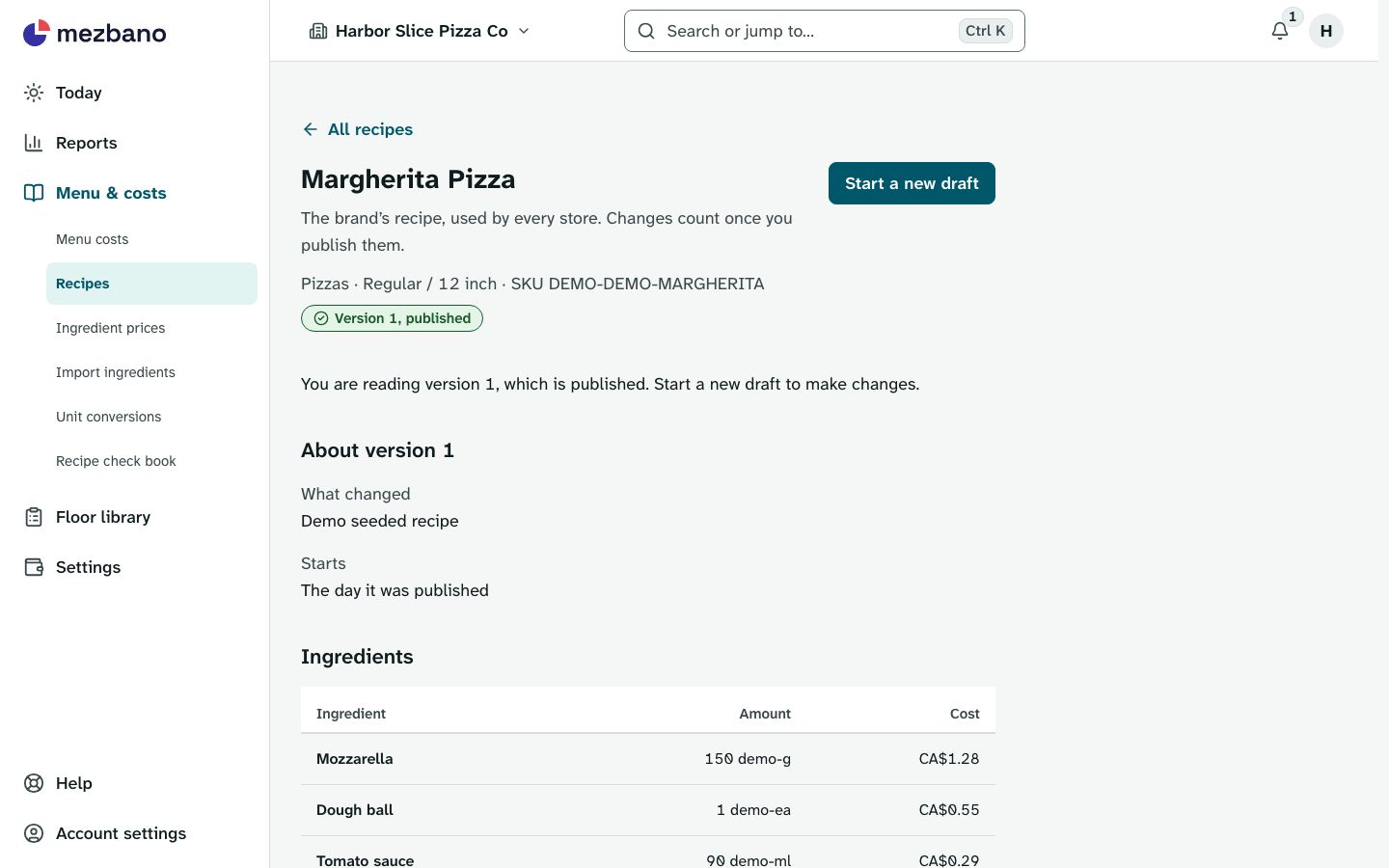
Change a draft and publish it when it is ready; published versions never change and earlier ones are kept. A brand writes recipes once for every store, and a store can keep its own version.
-
Handle cases, cups and grams
Say how much one recipe unit of an ingredient weighs or holds, or share one conversion across similar ingredients, so a recipe measured in cups still costs from a price per case.
-
Print the recipe check book
Every recipe with its ingredients, units and conversions, laid out to print and check by hand, with no money on it.
What’s included
The parts of the module, named as the app names them.
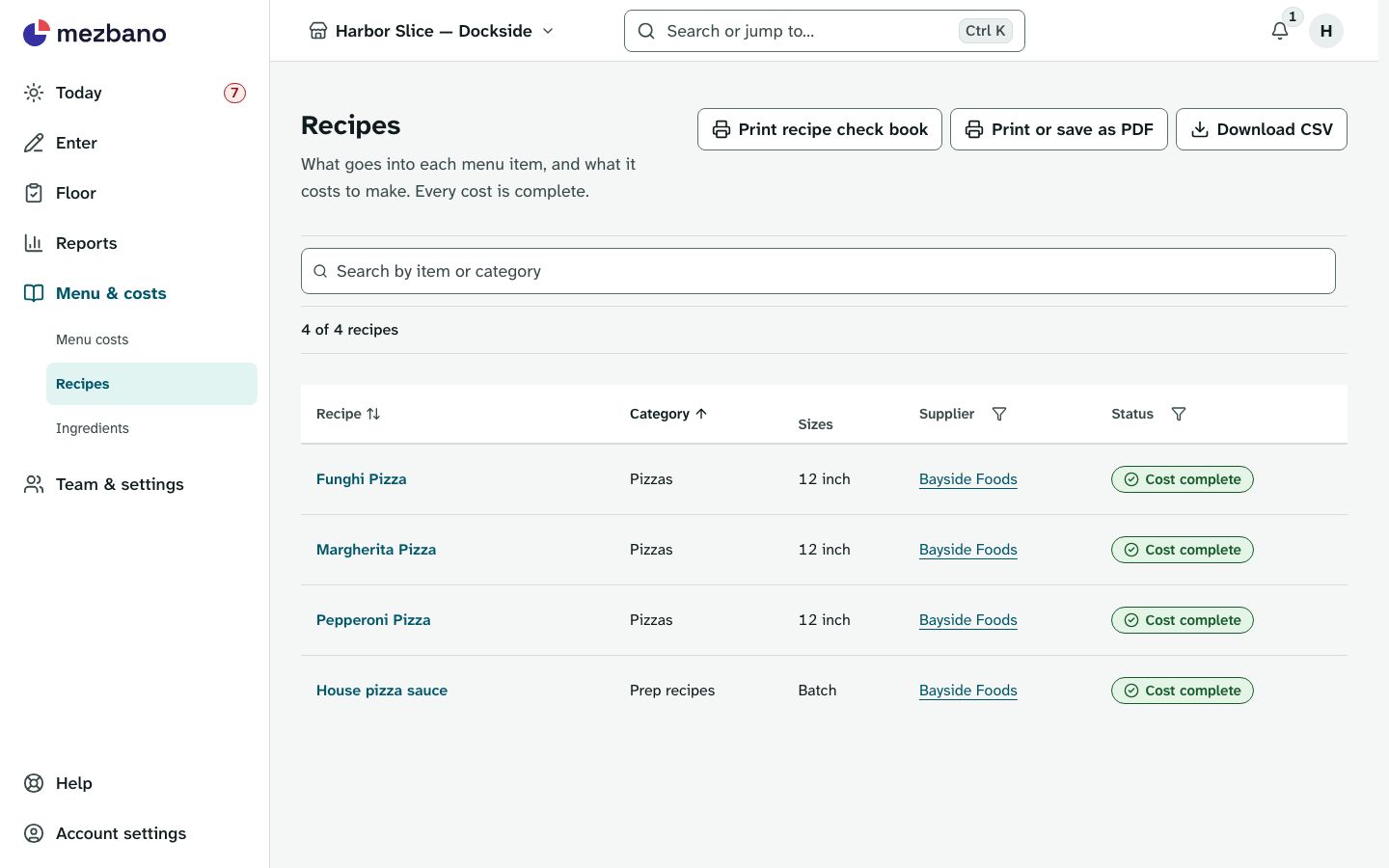
Recipes
See the brand’s recipes and menu.
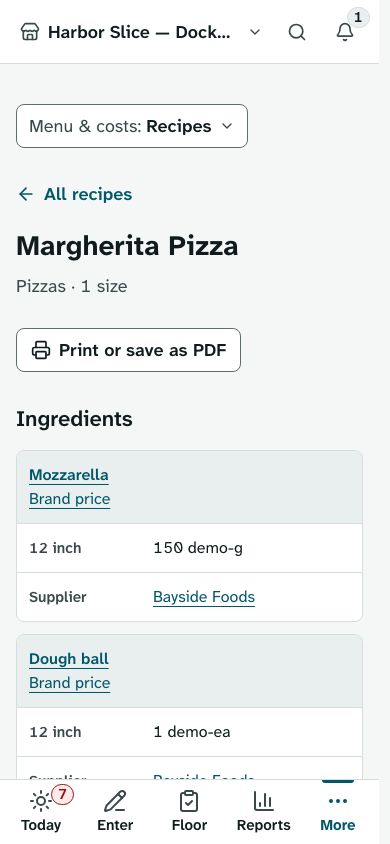
Menu costs holds the money; the Recipes page has the amounts and a cost to make for each size.
Recipe editing
Write recipes just for this store.
A store writes its own version of a brand recipe, with drafts, publishing and earlier versions kept.
Ingredient purchases
Record what ingredients cost this store.
Record deliveries by supplier or one item at a time with a receipt photo, set the store’s own ingredient prices and add unit conversions; a new delivery ends an older own price, so costs follow what you buy.
Works on its own, or with
Recipes works on its own with the brand’s ingredient prices. Recipe editing and Ingredient purchases need Recipes, and Recipes reads your deliveries for its costs. With Finance, a recorded delivery can also count as a food-cost expense in the profit and loss. Floor’s kitchen prep makes batches from the published prep recipes.
Who it is for
- Independent restaurants
Know what each dish costs at today’s prices before you set or change its menu price.
- Franchise brands
Write and publish recipes once for every store, keep standard ingredient prices, and see which stores sell a dish at a different price.
- Multi-location groups
Each store costs the shared recipes from its own deliveries and prices, and the brand’s Menu costs shows each store’s menu price.
- Franchisees
Cost the brand’s recipes at what your store pays, and set your own price for a dish when it differs from the brand’s.
In the app
Questions owners ask
How do I work out the food cost percentage of each dish?
Mezbano divides each dish’s recipe cost by its menu price and shows it as recipe food cost for every size, marked when it is above your brand’s target.
Which price does Mezbano use for an ingredient?
The store’s own price in effect comes first, then the latest delivery on or before the date, then the brand’s standard price. Only that price is used, so a line it cannot convert shows no cost instead of a guess.
My supplier sells by the case. Can I still cost recipes in grams?
Yes. Record what you pay for the case and add a conversion where a recipe measures another way. A line that cannot convert says which conversion to add.
What happens to old costs when I change a recipe?
Published versions never change, and each keeps its cost at the prices of its start date, or of its publish day when it has none. Version history shows that cost beside the cost at today’s prices.
Can I import my ingredient list from a spreadsheet?
Yes. The brand owner brings in ingredients and prices from a spreadsheet and sees what each row will do before anything is saved.
What it does not do
- Inventory counts, so no actual-versus-theoretical food cost variance.
- Invoice scanning (OCR) or supplier price alerts.
- Supplier ordering or purchase orders.
See it with your own restaurant
Book a demo and we will go through how your stores run today and where Mezbano fits.